You Paid for Portability — So Why Is Your Laptop Still Glued to the Same Desk Every Day?

The Most Expensive Paperweight in Your Home Office
Here's a scenario that probably hits close to home: you spent serious money on a laptop marketed as the ultimate mobile workhorse. Slim profile, all-day battery claims, Thunderbolt ports galore. The reviews called it "liberating." The unboxing felt like a promise.
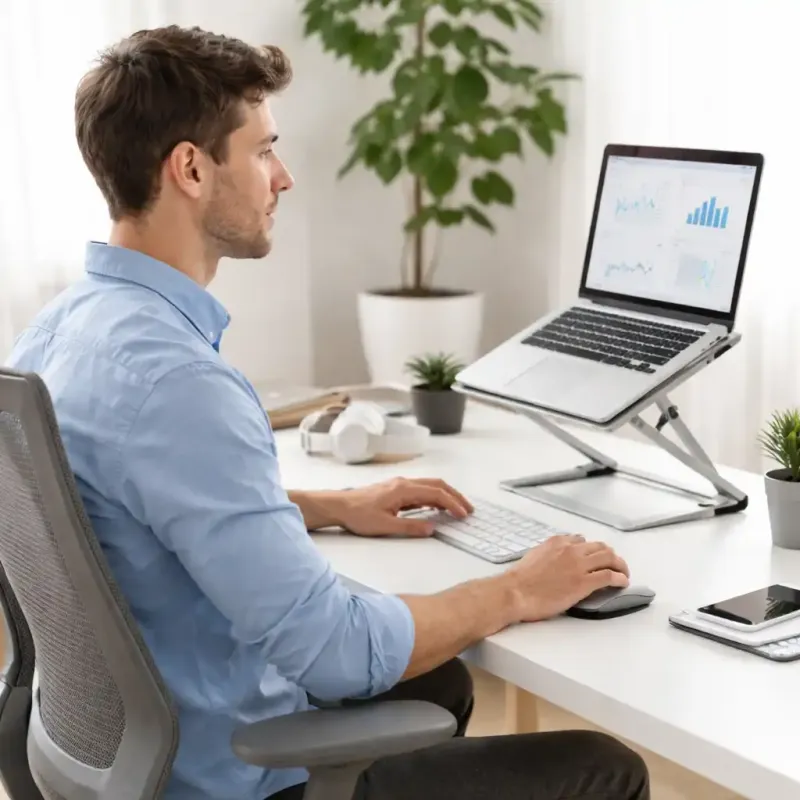
And yet — there it sits. Same desk. Same corner. Same tangle of cables snaking out the back. That "mobile workstation" hasn't left your zip code in three weeks.
You're not alone, and honestly, you're not even being irrational. The gap between what portable computing promises and what actually happens in practice is one of the most underexamined contradictions in the tech world. It's not just a hardware problem. It's a behavioral one — and the industry has very little incentive to talk about it.
The Weight of Expectation (And Your Bag)
Let's start with the obvious. Even the lightest laptops carry invisible weight the spec sheet never lists: the charger, the hub, the external mouse, the headphones, the backup cable "just in case." A 2.8-pound laptop turns into a 7-pound carry once you've packed everything you actually need to feel functional.
Researchers who study commuter behavior call this "equipment creep" — the gradual accumulation of supporting gear that undermines the original goal of traveling light. For mobile workers, it's brutal. Every item you add to your bag is a small psychological tax on the idea of leaving at all.
Marcus, a freelance video editor based in Austin, described it plainly: "I kept telling myself I'd work from coffee shops more, but every time I packed up to leave, I'd realize I forgot the hub, or the charger was still in my office, or I didn't want to lug the whole setup. Eventually I just... stopped trying."
The irony is sharp. The better your desk setup gets, the harder it becomes to replicate it elsewhere — and the less appealing mobility becomes.
Battery Anxiety Is a Real Psychological Phenomenon
Range anxiety isn't just for EV drivers. Laptop battery anxiety is a genuine behavioral pattern that keeps otherwise mobile workers tethered to outlets like they're on a leash.
It doesn't matter that your laptop technically gets eight hours of real-world use. What matters is that you believe it might not — and that belief changes your behavior. You won't sit at a table without a visible outlet. You won't take a long train ride without confirming there's a charging port. You'll cut a productive café session short because the battery hit 40% and you suddenly felt the clock ticking.
This isn't a battery problem. It's a trust problem. And it's partially the industry's fault for years of wildly optimistic battery claims that conditioned users to expect disappointment. Once that trust is broken, it's hard to rebuild — even when the hardware has genuinely improved.
Jenna, a UX consultant who travels between client offices in Chicago and Milwaukee, told us she started keeping a portable battery bank in her bag specifically to manage anxiety, not actual power needs. "I've never actually run out of battery," she admitted. "But knowing it's there means I can focus on work instead of watching the percentage drain."
The Desk-Dependent Workflow Problem
Here's the one nobody wants to admit: a lot of "mobile workers" have built workflows that fundamentally require a desk setup to function properly.
Multiple monitors. A full-size keyboard. A mouse with seventeen programmable buttons. A webcam mounted at the perfect angle. A dedicated microphone. When your productivity system is architected around a fixed physical environment, mobility isn't just inconvenient — it's genuinely disruptive to how you work.
This is where the portability paradox gets really interesting. The more seriously someone takes their work, the more likely they are to have invested in a refined desk setup. And the more refined that desk setup, the higher the psychological cost of leaving it behind. Mobility starts to feel like a downgrade rather than a freedom.
The fix here isn't necessarily to strip your desk back to bare bones. It's to design a second workflow — a leaner, travel-adapted version of how you work — that you've actually practiced and tested before you need it. Workers who successfully go mobile tend to have two distinct modes: desk mode and field mode. They're not trying to replicate one with the other.
Connectivity Fear and the "What If" Spiral
Wi-Fi reliability is the unsung villain of mobile productivity. One bad experience at an airport or a hotel with throttled bandwidth can sow seeds of doubt that last for years. Suddenly every unfamiliar network feels like a gamble, and the safe choice is always staying home where you know the connection is solid.
This fear compounds quickly. What if the café Wi-Fi is slow and I miss a deadline? What if I'm on a video call and the connection drops? What if I need to upload a large file and I'm stuck on someone's terrible hotspot?
Some of these are legitimate concerns. But many mobile workers catastrophize them into full-blown reasons to never leave the house. The actual solution — a cellular backup plan, a reliable hotspot device, or even just scoping out locations in advance — feels like too much work compared to just... staying put.
Breaking the Cycle: What Actually Works
The workers who successfully crack mobile productivity tend to share a few common traits. First, they start small. Not a cross-country work trip — just a two-hour session at a local library or coffee shop to test their setup and identify gaps. Low stakes, real data.
Second, they build a dedicated "go kit" that lives pre-packed and ready. Not everything from their desk — a curated subset of what they actually need for field work. When the friction of packing disappears, so does a major psychological barrier.
Third, they make peace with "good enough." Mobile productivity doesn't have to match desk productivity point for point. If you can hit 80% of your normal output while sitting in a park or a co-working space in a city you're visiting, that's not a failure — that's the whole point.
Derek, a software developer who started doing one "location-independent" day per week after his company went hybrid, put it simply: "The first few times felt weird and inefficient. By the third month, those were some of my most focused work days. I stopped comparing it to being at my desk and started treating it as its own thing."
The Hardware Isn't the Problem — But It's Not Innocent Either
None of this means your gear is off the hook entirely. A laptop with genuinely poor battery life, a hub that drops connections randomly, or a machine that throttles hard away from an outlet will absolutely reinforce every fear and hesitation listed above. Bad hardware creates bad experiences, and bad experiences create behavioral patterns that are hard to unlearn.
But the best hardware in the world won't fix a workflow that was never designed to move. The portability paradox ultimately lives between your ears — and the only way out is to actually go somewhere, sit down, open the lid, and start working.
Your laptop was built for this. The question is whether you've given yourself permission to use it that way.